Ever heard "good UX is just making things minimal"?
It’s a common misconception! Stripping away elements can make an interface look clean, but does it actually make it easier to use? 🤔
Think about it. If you remove labels, hide navigation behind mystery icons, or oversimplify actions, you create confusion instead of clarity. Users don’t want to guess how to interact; they want an effortless journey.
🔹 Great UX is about clarity, not just minimalism
🔹 Every design choice should reduce friction, not just remove elements
🔹 Simplicity means making interactions intuitive, not just visually sparse
💡 Actionable tip
Test your designs by asking real users:
“Can you complete this task without hesitation?”
“Does this layout help or hinder your journey?”
A simple design should feel effortless, not make users work harder to understand it.
Designed for Humans is here to make your UX resonate and work for real humans.
Curious about UX and design?
Take a look at our other blogs

There's something quietly radical about standing in a gallery full of Lowry originals whilst wearing a shirt covered in the very same matchstick figures staring back at you from the walls. Art, conversation, impeccable shirts, and a few things about Lowry himself that most people never know.
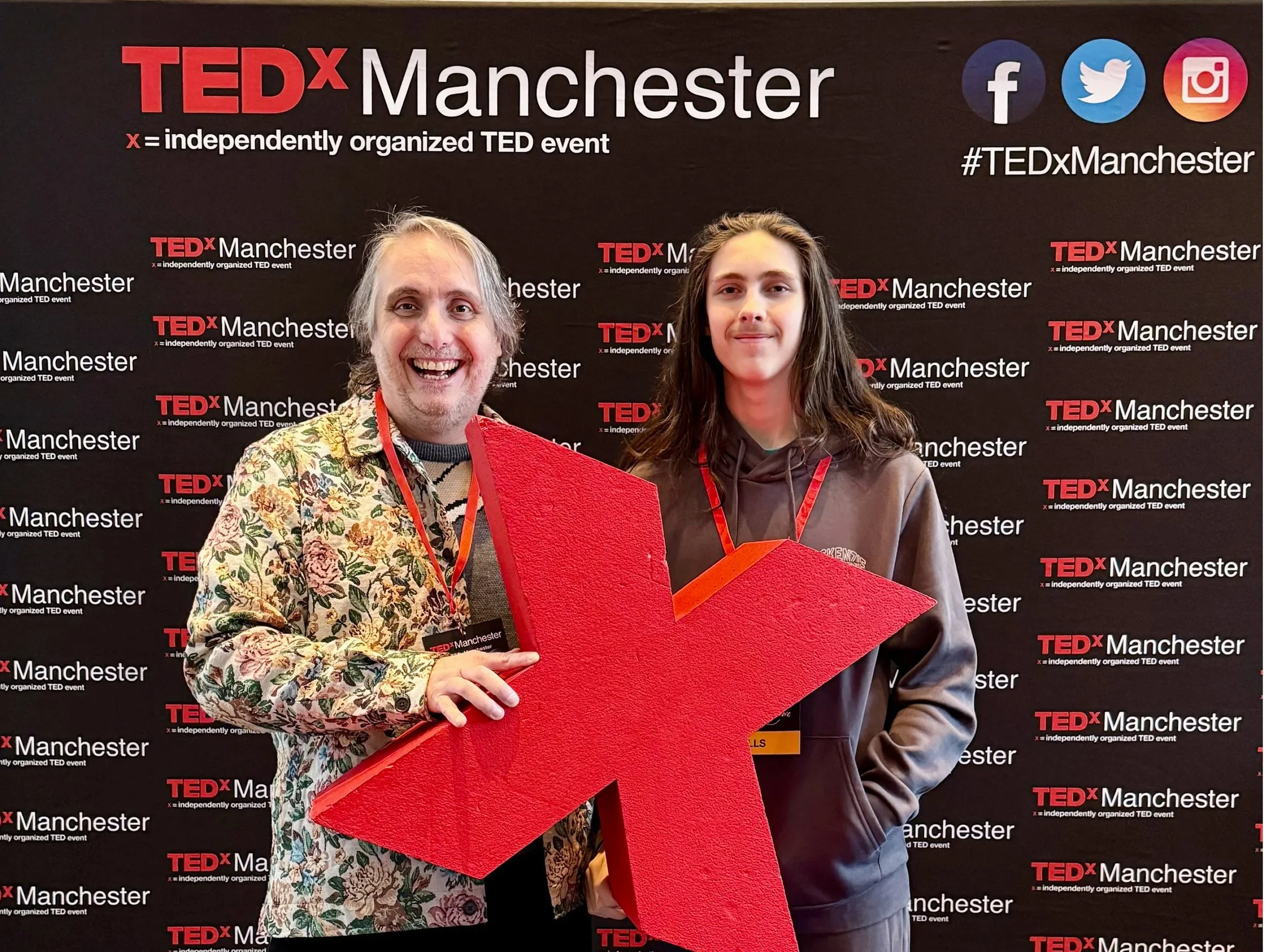
TEDx Manchester 2026 at the Bridgewater Hall — seven hours, ten speakers, one very large stage. Here are the five talks that landed hardest, and what they mean for how we work, think, and pay attention.
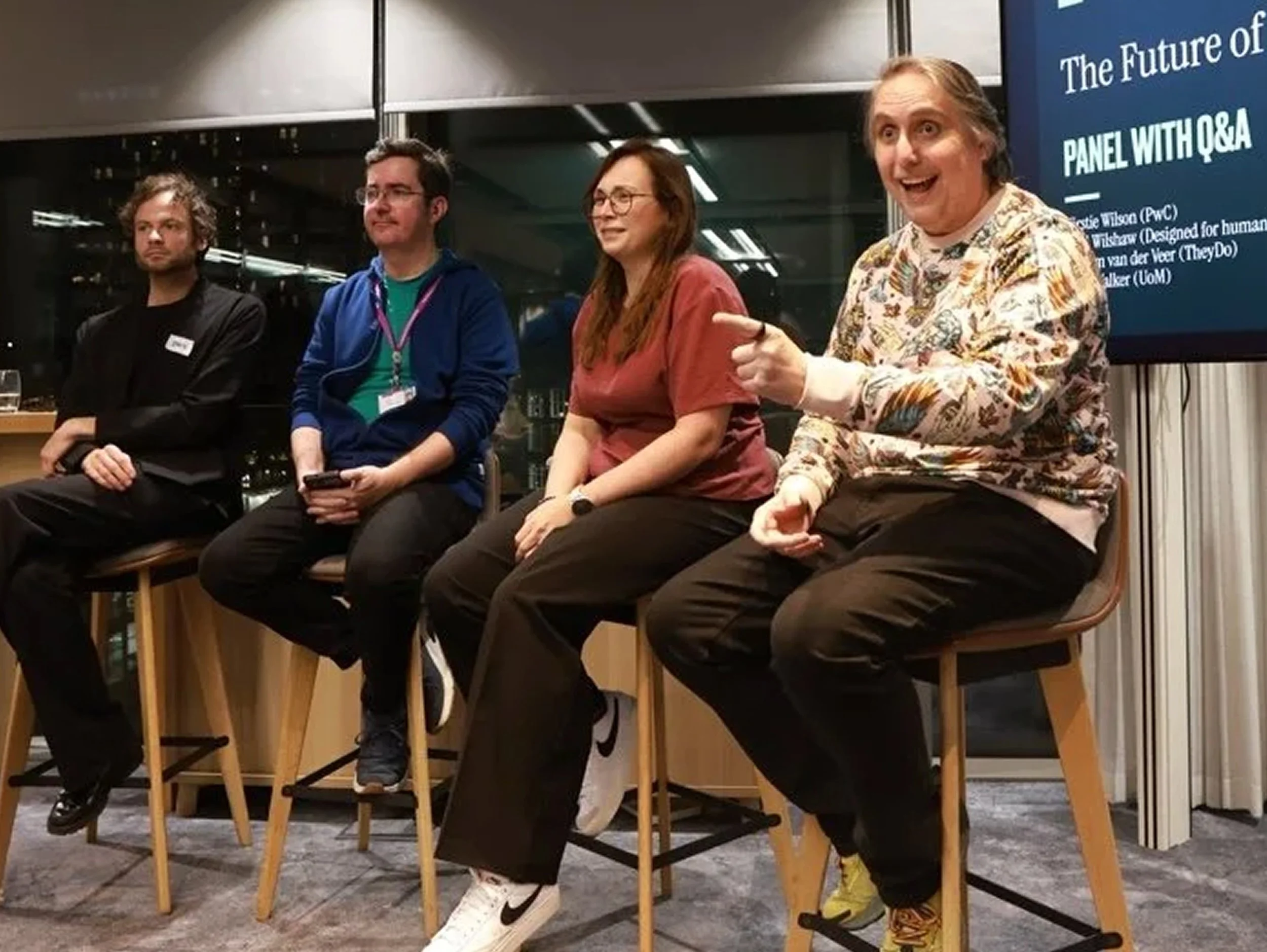
We talked about big things. Some of us gestured a lot. And apparently I said something about glitter and turds that made it into the official Natter write-up, which feels like a personal milestone. Here's what actually came out of it.
As the year wraps up, we wanted to say a big, genuine thank you for all your support. Whether you have worked with us, cheered us on, challenged our thinking or simply believed in what we are building, thank you for being part of our story so far.
Gemini 3 can speed up UX and UI design without losing quality. This practical guide shows five ways to use it: wireframing, design system tokens and variables, UI to code, consistent visuals, and quick accessibility audits. Copy the prompts, ship useful artefacts, and stay inclusive.
Power up Figma Make with prompts that read like a brief, frames that act like systems, and tight constraints. Use the 10 minute Make loop, Prompt DNA and a token bridge to keep prototypes fast, accessible and on brand. Less rework, sharper demos, more time for human craft.
Most “intuitive” interfaces are just clear. This article shows how to remove cognitive load with precise language, predictable structure, and visible feedback. Use the clarity trifecta and the 3–30 ladder, run the five-second test, and fix mobile-first friction that costs sign-ups and sales.
Tailwind and Shadcn help designers and engineers move from ideas to accessible, consistent interfaces at speed, especially in an AI workflow.